
Finding the best 3D printer shouldn’t feel like a chore. Whether you want to print cool toys or fix broken tools, the endless choices are confusing. Stop wasting money on clunky machines that fail halfway through. Our guide reveals top-rated fused deposition modeling and resin printers that deliver breathtaking results every time. Unlock your creative power and build your wildest dreams with ease. Let’s dive into the top picks for your workshop.
Contents
- Top 5 3D Printer:
- 1. ELEGOO Saturn 4 Ultra 16K Resin 3D Printer
- 2. FLASHFORGE AD5X Multi-Color 3D Printer
- 3. Creality K1 SE 3D Printer
- 4. FLASHFORGE Adventurer 5M 3D Printer
- 5. ELEGOO Neptune 3 Pro 3D Printer
- Things to Consider Before Buying a 3D Printer:
- Fused Deposition Modeling (FDM) – desktop and industrial variants
- Resin and powder-based technologies (SLA, DLP, SLS) – precision vs. specialty uses
- Key Factors to Evaluate
- Performance: build volume, layer resolution, speed
- Materials & compatibility: filaments, resins, powders and their properties
- Advantages by use case: prototyping, hobby, education, production
- Setup, calibration, routine maintenance and safety practices
- CAD, slicing software, file formats and print preparation
- Post-processing, finishing techniques and quality control
- Conclusion
Top 5 3D Printer:
1. ELEGOO Saturn 4 Ultra 16K Resin 3D Printer

The ELEGOO Saturn 4 Ultra 16K is a great all-in-one solution for getting professional-quality resin prints quickly and easily. Your models, prototypes, and minis will appear spotless right out of the box because to the ultra-high 16K resolution, which captures sharp edges, flat surfaces, and realistic textures.
You’ll be able to put more energy into making and less into fixing problems. Reducing bubbles, layer separation, and failed jobs while increasing overall success rates, the intelligent tank heater maintains the resin at a consistent around 30 °C to enhance fluidity and layer adhesion. An AI-powered camera keeps a constant eye on prints, sending out immediate notifications when problems like an empty build plate or warping are detected. The integrated chamber light allows for easy, quick checks at any time of day or night. Curious to know how you do it? Automate the capture of buildings with time-lapse.
The setup process is simple. The guided workflow seems natural right from the start, and automatic leveling gets rid of laborious adjustments. Get complex designs turned around more rapidly thanks to cutting-edge tilt-release technology that smoothly and rapidly peels layers, allowing print speeds of up to 150 mm/h without compromising detail.
The Saturn 4 Ultra 16K is an everyday reliable because to its sturdy ABS, aluminum, and polycarbonate build. This printer offers the accuracy, automation, and speed you need to produce more victories in less time, whether you’re into small-batch production, cosplay, or just want to print off some beautiful, reproducible outcomes for fun.
2. FLASHFORGE AD5X Multi-Color 3D Printer
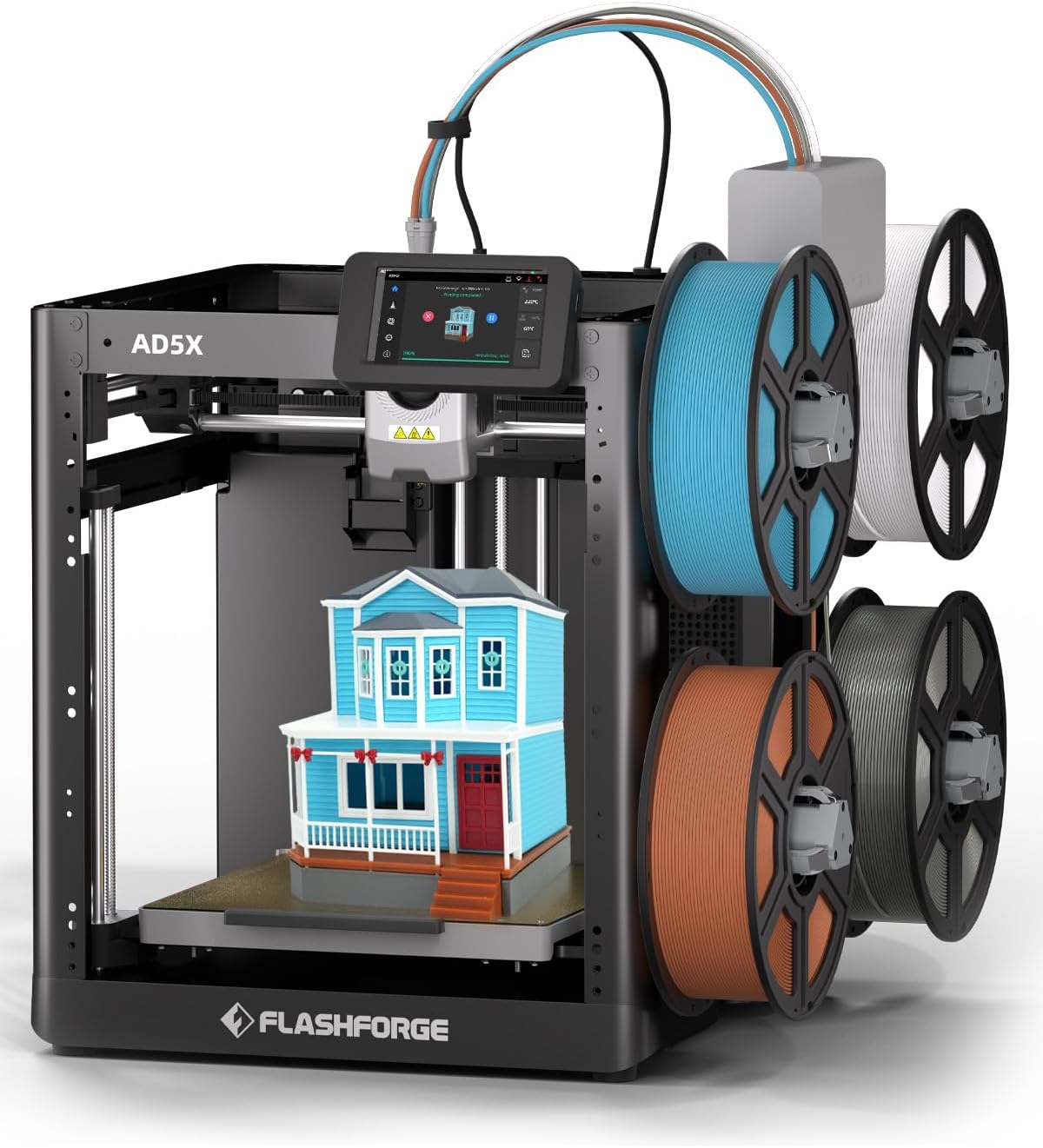
The FLASHFORGE AD5X is a one-stop shop for speed, stability, and convenience—the perfect combination for producing eye-catching, multi-color prints quickly and easily. With its cutting-edge multi-color technology, you can print up to four colors simultaneously, eliminating the need for part switching or hand-painting while adding branding accents, visual clues, or artistic gradients all in one operation.
Prints won’t require as much of your attention. In order to keep long, complicated operations running smoothly and without interruptions, the Intelligent Filament System (IFS) monitors spool levels and handles refills automatically. This frees you from the distraction of changing filaments mid-print instead of focusing on modeling and iteration.
Integrated performance allows for quick development and flawless final products. Quickly go from concept to completion without sacrificing detail or surface cleanliness thanks to acceleration of up to 20,000 mm/s² and print rates of up to 600 mm/s.
Precision and consistency in motion are maintained by the all-metal CoreXY construction. Even on more complex or higher geometries, it aids in the delivery of smooth walls, sharp edges, and exact dimensions by reducing racking and vibration.
Every day, you’ll see a marked improvement: shorter processing times, more vibrant results right from the bed, and fewer pauses overall. With the AD5X, you can confidently send more ideas thanks to its speed, automation, and mechanical rigidity—the perfect combination for artists, designers, and makers who want to elevate prototypes and display-ready parts with reliable multi-color capability.
3. Creality K1 SE 3D Printer
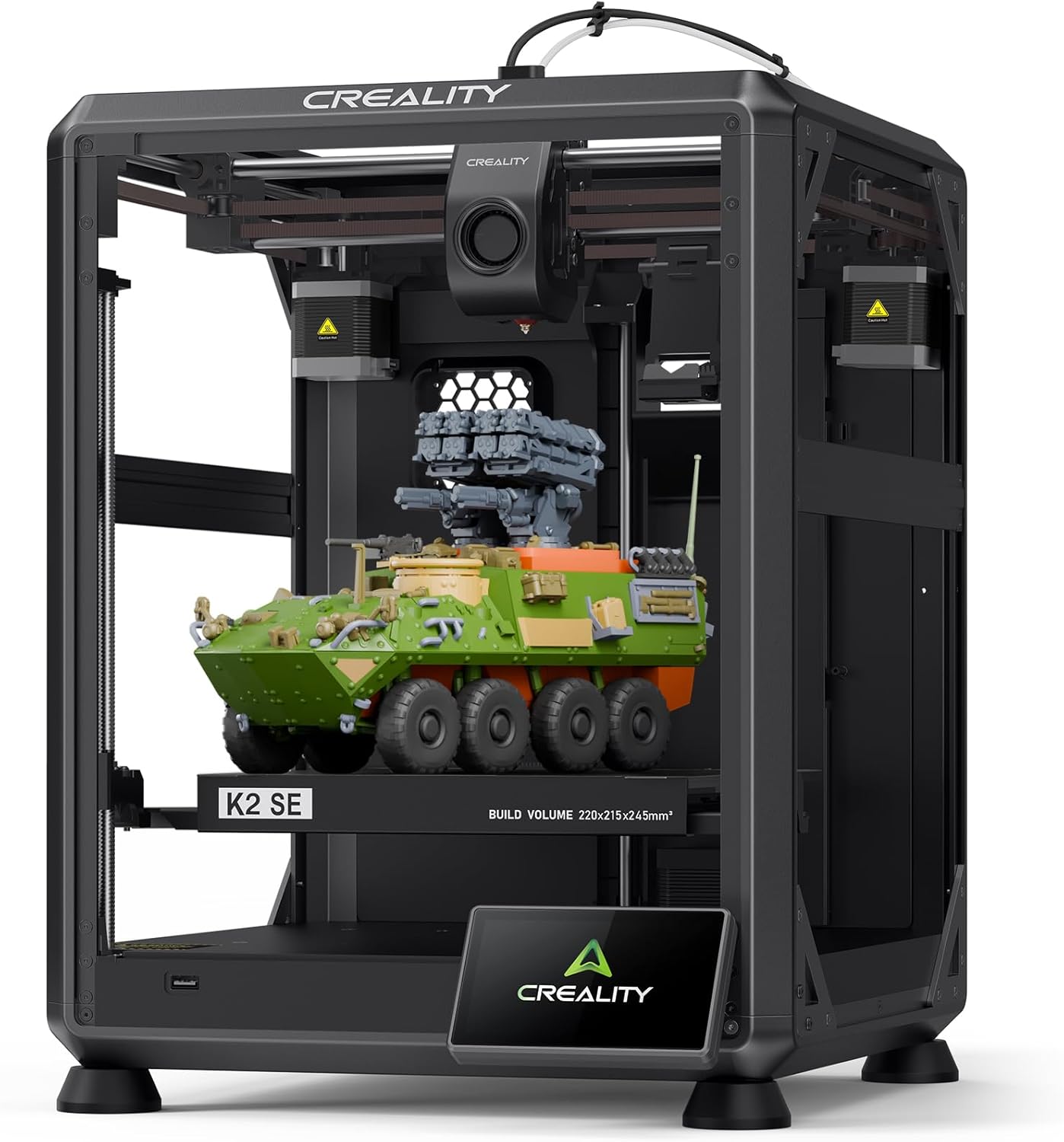
The Creality K1 SE makes quick iteration possible, so you can achieve professional-level speed without compromising print quality. The lightweight CoreXY motion system can reach speeds of up to 600 mm/s and an acceleration of 20,000 mm/s², allowing you to get from concept to finished product in hours instead of days—all while maintaining clean surfaces and precise edges.
Reliable extrusion is possible on many different materials. Extruding flexible TPU, common PLA, and harder polymers is now possible with the help of the flagship K1C-grade extruder’s side spring and ball-plunger, which prevent filament slippage even during rapid movements. Timely indications from a filament run-out sensor help reduce waste and failed tasks.
In terms of heat and longevity, the hotend is well-made. The hotend is heated to 300 °C in just 75 seconds using a 60 W ceramic heater, which completely melts ABS and other high-flow filaments for ultra-fast layers. A tri-metal nozzle prevents wear and stops heat creep.
Fast speeds necessitate a sturdy base, which the K1 SE provides. Tall prints remain solid at pace thanks to a die-cast aluminum frame that has dual crossbeams and corner gussets, which prevent vibration.
Installing is a breeze. So that you may devote your attention to models rather than menus, one-click auto calibration (including Z-offset) allows you to print without shims or calibration paper.
With the K1 SE, you can combine speed, accuracy, and dependability to maintain a steady output and a moving queue, allowing you to send more prototypes and cleaner final parts with fewer do-overs.
4. FLASHFORGE Adventurer 5M 3D Printer
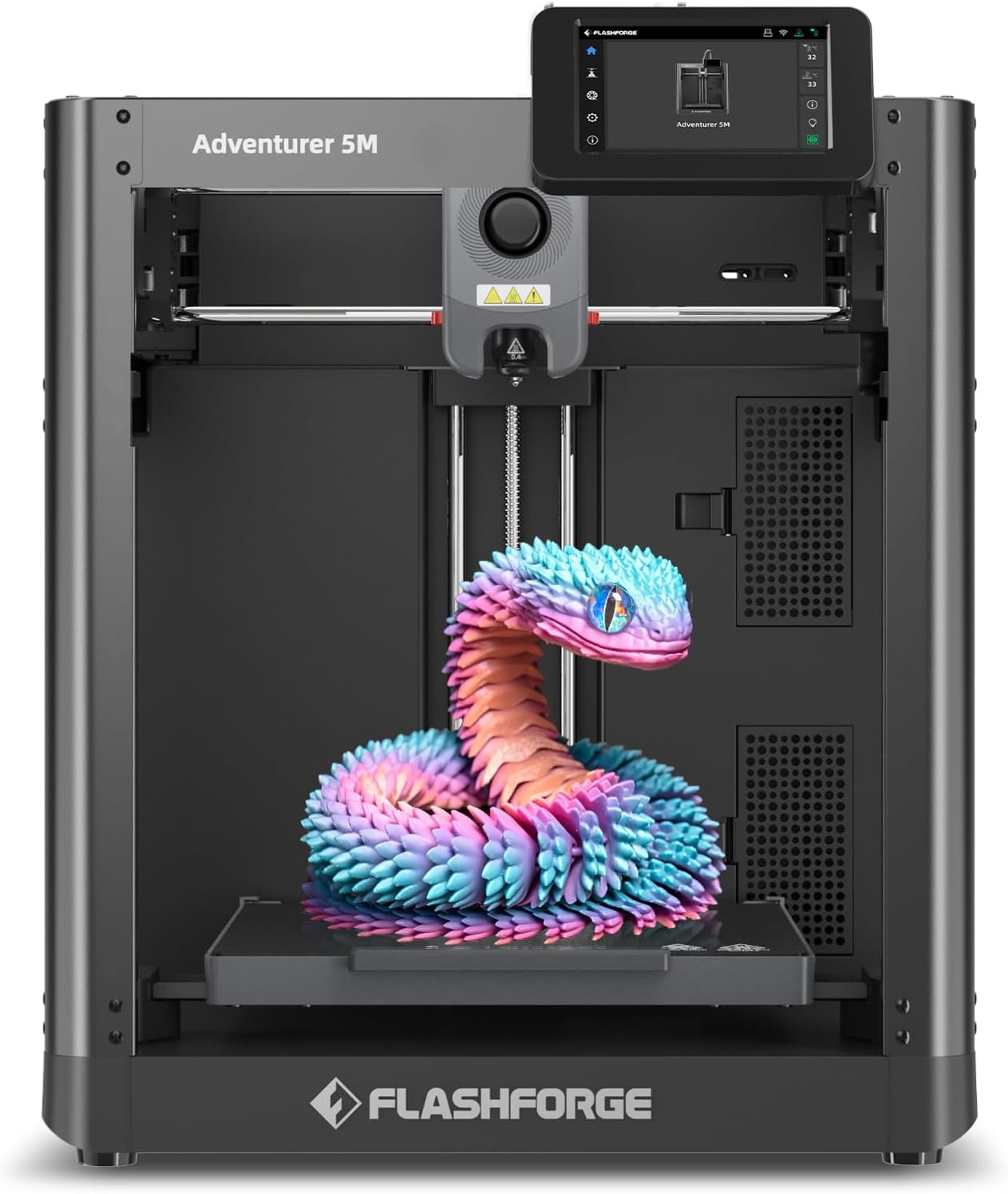
The FLASHFORGE Adventurer 5M simplifies high-quality printing for those who desire quick results without the hassle of setup. You may avoid using shims and achieve dependable adhesion right away with one-click automatic bed leveling, which dials in perfect first layers.
Its strongest suit is its speed. You may expedite design iterations, prototype approval, and part delivery with the help of the CoreXY motion system, which can drive at speeds of up to 600 mm/s and 20,000 mm/s² acceleration, which is up to 12 times faster than regular printers. That speed is maintained consistently across jobs thanks to a high-flow nozzle and a quick 35-second warm-up to 200°C.
As a result, you may put more effort into printing and less onto wrenching. It only takes three seconds to switch out the nozzles, pick out the right size, and remove components from the PEI construction plate, which is double-sided. Sharp edges, smooth walls, and accurate dimensions are preserved—even at greater speeds—by dual-fan nozzle cooling and vibration adjustment. The 280°C direct extruder keeps extrusion constant and reliable while expanding your material possibilities.
On a daily basis, control is easy. No matter where you are—in the studio or across the room—you can use the Flash Maker mobile app to keep an eye on things and control them intelligently. Made of metal and PC, it will last a long time even with constant use.
To keep projects on track and clients satisfied, you need automation, speed, and consistency, which the Adventurer 5M provides. It also allows you to go from ideas to finished products faster without compromising on surface quality or dimensional accuracy.
5. ELEGOO Neptune 3 Pro 3D Printer

The ELEGOO Neptune 3 Pro produces professional-quality prints with little effort and is a quiet, dependable printer. The ordinary projects may be accommodated by its 225 × 225 × 280 mm construction volume, and the motion is exact thanks to an STM32 motherboard and silent stepper motors, which keep the sound levels around 47 dB—perfect for home or shared settings. In just a few short minutes, you may be printing thanks to the supplied toolkit and pre-assembled major elements.
Consistent extrusion will be achieved in critical areas. This dual-gear direct drive extruder has a 3:1 ratio that ensures a continuous flow of filament with minimal slippage, which in turn reduces under-extrusion and aids in the clean landing of delicate details.
Simple setup and reliable first layers are maintained. Smart precautions, such as filament runout detecting and power-loss resumption, prevent longer or more complex tasks from minor setbacks, and 36-point auto bed leveling automatically dials in your surface.
Uptime tuning of the hotend is complete. The titanium throat tube prevents heat creep, the brass nozzle produces straight lines, and the thermal management is enhanced by an enlarged aluminum heat sink. The combination of the front-mounted part-cooling fan and the printer will result in faster or longer prints with sharper overhangs, better bridges, and fewer clogs.
The Neptune 3 Pro’s silent operation, dependable first layers, and worry-saving features allow you to finish more prints—consistently and confidently—whether you’re prototyping, manufacturing practical parts, or taking on creative creations.
Things to Consider Before Buying a 3D Printer:
Just assess your needs-print resolution, build volume, materials compatibility, and software workflow-to ensure the printer matches your projects and skill level. You should factor in total cost of ownership (materials, maintenance, upgrades), workspace requirements and ventilation, safety features, reliability, warranty, and the availability of community or vendor support to help you learn and troubleshoot.
Fused Deposition Modeling (FDM) – desktop and industrial variants
For desktop systems like Prusa i3 MK3S or Ultimaker S5, you’ll typically use a 0.4 mm nozzle, 0.05-0.3 mm layer heights, and print speeds of 30-150 mm/s; materials span PLA to flexible TPU. Industrial FDM (Stratasys Fortus, large-format systems) extends build volumes to ~1 m³, supports high-temp polymers like PEEK and ULTEM, and offers dual extrusion and repeatability for jigs, fixtures, and end-use parts.
Resin and powder-based technologies (SLA, DLP, SLS) – precision vs. specialty uses
When you need sub-100 µm detail, SLA/DLP (e.g., Formlabs Form 3, Carbon M series) deliver excellent surface finish for dental and jewelry; layer heights typically 25-100 µm. SLS (EOS series) produces durable nylon parts with no supports and is suited to functional prototypes and small-batch production, though you’ll manage powder handling and post-process steps like bead blasting or dyeing.
Going deeper, expect SLA/DLP parts to achieve dimensional repeatability within ~±0.05 mm for small features, while SLS tolerances are often ±0.2-0.3 mm depending on geometry and packing density. Material costs diverge: standard filaments run ~$20-60/kg, whereas engineered resins and powders can be several hundred dollars per kg; throughput also varies-DLP can batch many small parts per build, SLS offers efficient nesting for tens to hundreds of functional parts, and post-processing time (wash, cure, powder reclaim) commonly dictates total turnaround.
Key Factors to Evaluate
When comparing printers you should weigh build quality, electronics, and firmware alongside raw specs; bed leveling system, power recovery, and enclosure impact print success. Service network and spare-part availability determine downtime, while ongoing costs for filament, resin, powders, nozzles, and bed surfaces affect total ownership. Consider noise, safety features like enclosed chambers and filters, and software ecosystem. This helps you prioritize what matters most.
Performance: build volume, layer resolution, speed
You should pick build volume based on part size-common desktop machines offer ~220×220×250 mm while large-format printers reach 500×500×500 mm. Layer resolution for FDM typically spans 50-300 µm; SLA delivers 25-100 µm for finer detail. Realistic print speeds are 40-80 mm/s for quality; some printers advertise 150-200 mm/s but that often sacrifices surface finish and dimensional accuracy. Match specs to the parts and tolerances you actually need to produce.
Materials & compatibility: filaments, resins, powders and their properties
You must align material choices with hardware: PLA prints at ~180-220°C and is easy to run, ABS needs 230-250°C and a heated bed around 90-110°C to reduce warping, PETG prints near 230-250°C and combines strength with ease, and TPU requires a direct-drive extruder for consistent flexible prints. Resins (standard, tough, flexible) cure with ~405 nm UV and need IPA washing plus post-cure. SLS uses nylon powders (e.g., PA12) and industrial laser systems-thermal and handling requirements differ greatly from FDM/SLA.
Advantages by use case: prototyping, hobby, education, production
For prototyping you can shrink development cycles from weeks to hours-desktop FDM (Prusa MK3S) or SLA (Formlabs Form 3) deliver functional test parts overnight. As a hobbyist you’ll find sub-$300 machines (Ender 3) that are upgradeable and community-supported. In education you can teach CAD and manufacturing with low-odor PLA kits and curated lesson plans. For low-volume production, SLS/SLA systems provide repeatable parts with 0.1-0.2 mm tolerances, but expect higher capital and post-processing overhead for consistent output.
Setup, calibration, routine maintenance and safety practices
You should level the bed before major prints (manual or BLTouch), run PID autotune for stable temperatures (M303 S200), and calibrate E-steps by extruding 100 mm and measuring actual filament-adjust to within 1% accuracy. Clean the nozzle monthly or after 50-100 hours, lubricate rods, check belt tension, and ventilate or use an enclosure with a filter when printing ABS, nylon or composites for safer VOC handling.
CAD, slicing software, file formats and print preparation
You’ll pick CAD based on part intent: Fusion 360 or SolidWorks for mechanical tolerances, FreeCAD for budget-friendly parametrics, Blender for sculpting. Export STL for standard meshes, OBJ/3MF for multi-material or color; avoid low-resolution meshes that produce poor slices. In Cura, PrusaSlicer or Simplify3D, set infill 10-50%, wall lines 2-4, and supports (tree or linear) based on overhangs; orient parts to minimize supports and reduce post-work. Validate final G-code with a preview to catch missed issues.
Post-processing, finishing techniques and quality control
You’ll finish parts with sanding, priming, painting, or chemical smoothing: sand PLA wet from 200 to 2000 grit, use acetone vapor for ABS (short exposures), and wash SLA prints in IPA then UV-cure for 10-20 minutes at 405 nm. Calibrate using a 20 mm cube and a Benchy to check dimensional accuracy (±0.1-0.2 mm achievable with tuning), and use calipers, visual inspection, and simple mechanical tests to verify fit and strength. Always use gloves and ventilation when handling solvents and resins.
After initial cleaning and sanding, apply filler primer to reveal surface defects, then progressively sand and re-prime until smooth; for paint adhesion, use an adhesion promoter or light scuffing and prefer acrylics or automotive enamels for durability. For functional parts, consider annealing PLA at 60-80°C for 30-60 minutes to increase heat resistance and crystallinity, but clamp or support parts to avoid warping. Resin parts benefit from 10-30 minutes post-cure under 405 nm LED arrays-longer cures increase brittleness-while acetone vapor smoothing for ABS typically takes 5-15 minutes depending on chamber size; test on scrap pieces and document each process (times, temps, grit sequence) so you can replicate consistent surface finish and tolerances.
Conclusion
Ultimately you should assess your intended uses, budget, and material compatibility, confirm build volume and print resolution meet project demands, evaluate reliability, maintenance needs, and available support, and verify safety features and compatible software workflow; by prioritizing these factors you will select a 3D printer that aligns with your skills, production goals, and long-term costs.
Leave a Reply