
Are you hunting for the best Hisense TV to instantly upgrade your movie nights? You shouldn’t have to empty your wallet to enjoy breathtaking 4K picture quality. We know that navigating endless tech specs can feel like a total nightmare. That’s why we compared the top models to help you secure an unbeatable entertainment experience at a budget-friendly price. Let’s dive into the top-rated options available today.
Contents
- Top 5 Hisense TV:
- 1. Hisense 65-Inch S7N CanvasTV™ Series Google Smart TV
- 2. Hisense 55 Inch U6 Series Gaming Fire TV
- 3. Hisense 50 Inch E6 Cinema Series 4K Smart Fire TV
- 4. Hisense 43 Inch A7 Series 4K Smart Fire TV
- 5. Hisense 32-Inch A4 Series Smart Fire TV
- Things to Consider Before Buying a Hisense TV:
- LED TVs
- OLED TVs
- 4K Ultra HD TVs
- Screen Size
- Resolution
- Smart Features
- Advantages
- Disadvantages
- Warranty Options
- Positive Experiences
- Common Complaints
- Summing up
Top 5 Hisense TV:
1. Hisense 65-Inch S7N CanvasTV™ Series Google Smart TV

The 65-Inch S7N CanvasTVTM from Hisense is perfect for your living room wall if you’re looking for a TV that looks great both on and off the screen. Instead of seeing a blank black rectangle on your screen when you’re not using it, Art Mode allows you to showcase a rotating gallery of artwork or a favorite image, turning your screen into an accessory for your decor.
Sharper details and more accurate colors are yours with 4K QLED and Quantum Dot technology. Movies, sports, and gaming may look vivid and lifelike, not washed out, thanks to over a billion color possibilities.Digital artwork will seem more lifelike thanks to the low-reflection Hi-Matte display’s glare-cutting technology, and regular material will remain legible even in very bright environments.
You may save floor space and get a sleek, gallery-style appearance by hanging the CanvasTV virtually flush to the wall with the accompanying UltraSlim wall mount. A lightweight, two-piece mounting system simplifies installation.Whenever you desire, you can also switch up the style. Quickly and easily attach and detach the magnetic frame; the TV is pre-assembled with a teak frame, but you have the option to choose between a white or walnut one if you like.
2. Hisense 55 Inch U6 Series Gaming Fire TV
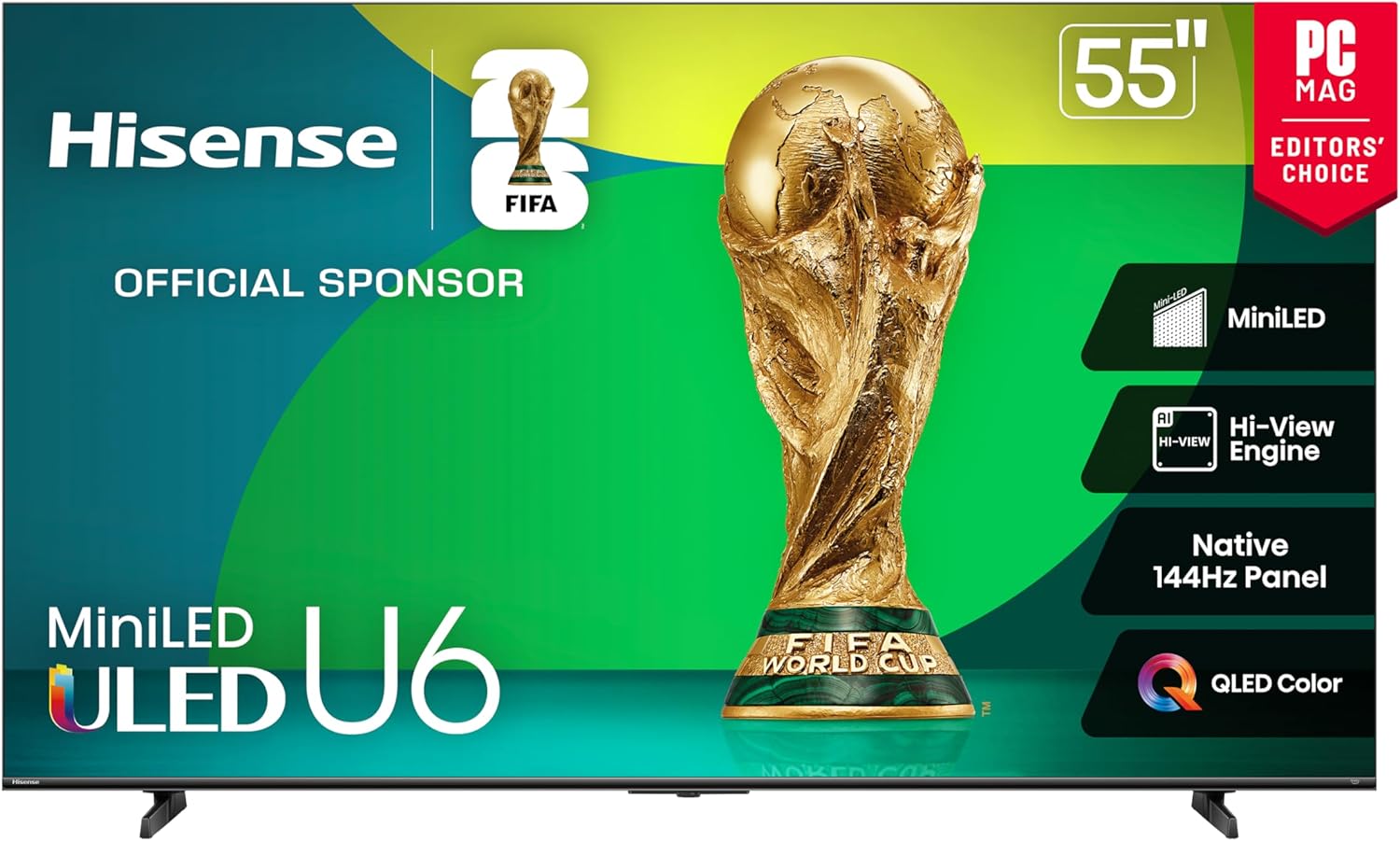
The 55-inch Hisense U6 Series Gaming Fire TV is an excellent choice if you’re looking for a 4K TV that can handle gaming, sports, and regular streaming. Whether you’re playing in a dark room or a sunny stadium, the Mini-LED backlight with a peak brightness of up to 1000 nits and 600 local dimming zones will make everything look more lifelike.
Invisibly analyzing what you’re viewing and instantly improving vision and sound is the job of the Hi-View AI Engine. Artificial intelligence (AI) Picture, AI Sound, and AI Scenario work together to enhance clarity, sharpen details, and maintain a seamless and engaging appearance in any media type.Designed for lightning-fast gameplay and action, the combination of a native 144 Hz display and animation Rate 480 ensures silky smooth animation. You can follow every action with increased clarity and respond quicker thanks to the reduced blur and stutter.
Fire TV prioritizes your preferred channels and apps, allowing you to effortlessly access your favorite episodes, movies, and live TV. Because it has Alexa preinstalled, you can use your voice to do a lot of things, like search for content, see your score, make reminders, and more.With its 55-inch 4K display, smart features, and vibrant Mini-LED image quality, the U6 Series is the way to go if you’re in the market for a gaming-ready 4K TV.
3. Hisense 50 Inch E6 Cinema Series 4K Smart Fire TV

The Hisense E6 Cinema Series Smart Fire TV is designed to cater to those who desire a 50-inch 4K TV that enhances the realism of movies, sports, and gaming. Every frame looks rich and realistic, down to the exact hue of the field grass and the finest lines on the court, thanks to its QLED Color technology, which employs quantum dots, which are small particles capable of showing over a billion shades.
Deeper blacks and brighter highlights are the results of Dolby Vision HDR’s enhancement of contrast and detail, while multi-dimensional sound is yours with Dolby Atmos. Taken as a whole, they elevate your living space to the level of a movie theater, amplifying both the small details and the major action.
Fire TV brings together all of your favorite streaming apps and live channels in one convenient location. If you’re in the mood for anything to watch right this second, you can use the home screen shortcuts to access services like Prime Video, Netflix, Disney+, and more.You can relax and stay in control from the comfort of your couch with Alexa compatibility, which allows you to use your voice to search for shows, control playback, adjust volume, or check the weather and scores.
If you’re in the market for a smart 4K TV, this Hisense Cinema Series is a great option. It has vibrant QLED color, cinematic Dolby Vision and Atmos, and the simplicity of Fire TV all in one convenient package.
4. Hisense 43 Inch A7 Series 4K Smart Fire TV
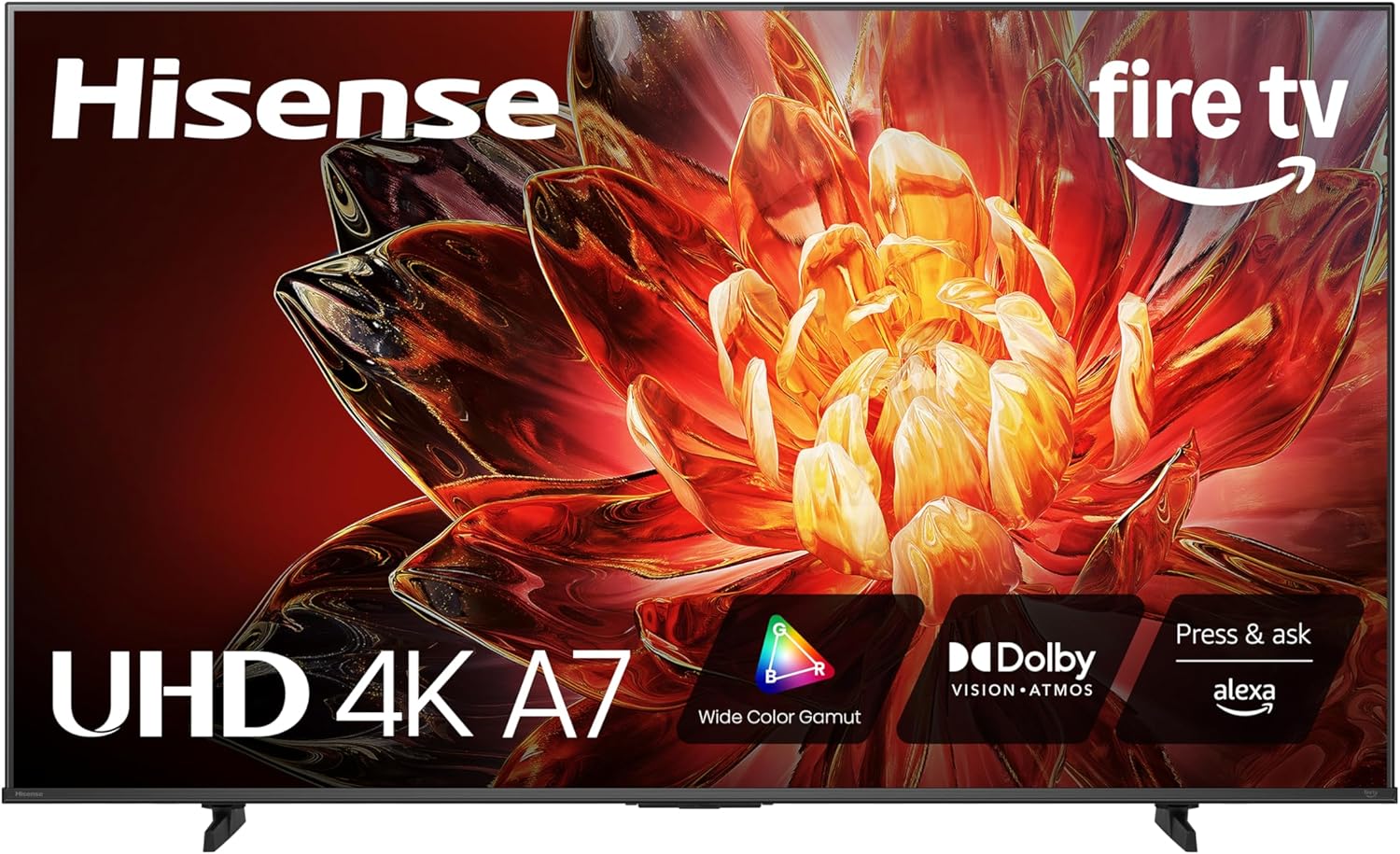
The 43-inch Hisense A7 Series 4K Smart Fire TV is perfect if you’re looking for a compact 4K TV that doesn’t skimp on picture quality or sound. Richer greens, deeper reds, and more lifelike tones throughout movies, sports, and games are all thanks to the Wide Color Gamut, which uses special phosphor technology to enhance the range and depth of each color.
Dolby Vision brings out more depth and contrast, particularly in darker scenes, and Dolby Atmos envelops you in a sonic experience, making crowds, action scenes, and soundtracks feel more immersive.Fire TV comes pre-installed with a plethora of streaming media apps and services, including Amazon Video, Netflix, Hulu, Disney+, and MAX, as well as free options like Freevee, Pluto TV, and Tubi. You can operate compatible smart home devices, play music, switch channels, open applications, and search titles with the integrated Voice Remote with Alexa.
A picture with 4K Ultra HD resolution will be clearer and more lifelike since there are more pixels in it. In order to make older shows, broadcast TV, and home recordings look clear and detailed even though they aren’t natively 4K, the Hisense 4K AI Upscaler analyses the content and boosts it to near-4K quality.This A7 Series 43-inch TV is perfect for any room in the house or game rig because to its vivid colors, immersive sound, smart features, and exceptional clarity.
5. Hisense 32-Inch A4 Series Smart Fire TV
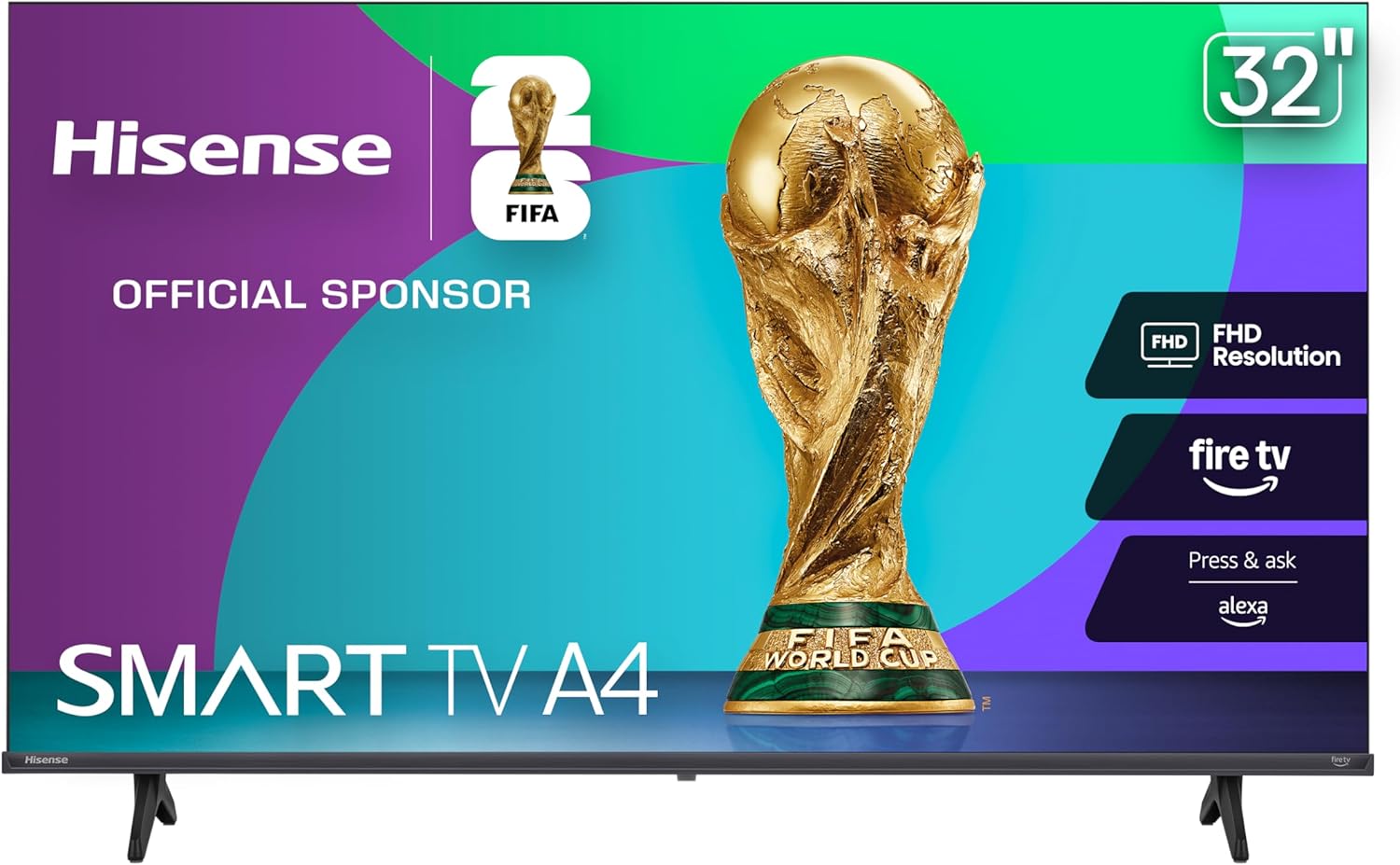
The 32-Inch A4 Series Smart Fire TV by Hisense is an excellent choice for smaller living areas, bedrooms, dorm rooms, and kitchens since it still provides a clear and pleasant picture. Shows, sports, and movies don’t look soft or washed out thanks to its bright and clear 1080p Full HD LCD screen and Full Array LED backlight.
Also, the sound is improved. By enhancing the depth and presence of your audio, DTS Virtual:X creates an immersive, surround-like experience without the need for additional speakers, making dialogue easier to hear.Hisense Game Mode reduces input lag to around 16ms, making gaming feel more responsive. That allows you to respond quicker in high-pressure situations by pressing buttons that correspond more precisely to what you see on screen.
Grass, skies, and skin tones all get a more natural, balanced appearance with the help of Natural Color Enhancer, which makes colors look more lifelike.You can manage the TV with your voice, access your favorite applications, and stream entertainment instantly with smart features like Alexa built-in and Fire TV. Looking for a 32-inch TV that won’t break the bank? This A4 Series is perfect for your daily setup because it’s small, clear, and easy to live with.
Things to Consider Before Buying a Hisense TV:
Buying a Hisense TV means weighing screen size, resolution, and panel type against your viewing habits and room lighting; you should assess smart platform compatibility, app selection, and update support, evaluate HDR performance and motion handling for sports and gaming, check input options and refresh rates for consoles, and set a budget that balances features with long-term reliability.
LED TVs
You will find LED Hisense sets across every price tier, often using edge-lit or full-array backlights with variable local dimming. Many models support HDR10 and Dolby Vision, and several midrange panels offer 60-120Hz refresh rates suitable for streaming and general TV use. If you need bright daytime viewing or a budget-friendly option, LED models usually deliver the best value-per-inch without compromising vital smart features.
OLED TVs
You get per-pixel light control with OLED, so blacks are effectively off and contrast is dramatically improved compared with LED. Hisense’s OLED offerings aim for high color fidelity and cinematic performance, making them a strong pick for movie buffs and dark-room setups. Expect thinner panels, wider viewing angles, and solid HDR performance that highlights shadow detail and subtle color gradations.
For more depth, you should weigh burn-in risk against usage: OLED excels with varied content but can show retention with prolonged static images; however, manufacturers mitigate this with pixel-refresh routines and screen savers. Also note that OLED peak brightness typically trails top-tier LED zoned displays, so if you watch mostly in very bright rooms the trade-off may matter.
4K Ultra HD TVs
You will notice 4K (3840×2160) across most Hisense lines, delivering about 8.3 million pixels for sharper details on larger screens. Higher-end models add HDMI 2.1 features-4K@120Hz, VRR, and ALLM-so you can leverage next-gen consoles and PC graphics. Streaming services like Netflix and Prime offer abundant 4K HDR content, and Hisense often bundles Dolby Vision or HDR10+ support depending on the model.
When choosing, check whether the specific Hisense model includes HDMI 2.1 lanes, full-bandwidth eARC, and VRR if you plan to game at 120Hz or use high-frame-rate PC input. You should also verify local dimming and peak brightness numbers if HDR highlight performance matters for your viewing environment.
Screen Size
Depending on your room, you should pick a size that keeps viewing distance comfortable: a 43-50″ fits bedrooms or kitchens, 55″ is ideal for 6-8 ft living rooms, 65″ suits 7-10 ft spaces, and 75″+ for larger rooms or home theaters. Measure wall space, factor in TV stand height, and test sightlines-if you sit closer, a higher resolution becomes more valuable to maintain clarity.
Resolution
Check the native resolution: 1080p (1920×1080, ~2.1M pixels) remains fine for casual viewing, 4K (3840×2160, ~8.3M pixels) is standard across most Hisense ranges, and 8K (7680×4320, ~33.2M pixels) appears only on a few flagship models. You should balance source material and streaming subscriptions that deliver 4K HDR to justify the upgrade.
Upscaling matters because much content is still 1080p; Hisense’s Hi‑View processing and other upscalers analyze edges, textures, and motion to fill a 4K panel with sharper detail. You should compare model-specific upscaling tests-higher-tier ULED sets tend to preserve fine details and reduce artifacts better than entry-level panels, especially on sports and fast camera pans.
Smart Features
Decide which smart platform fits your ecosystem: many Hisense models ship with Google TV or Roku for broad app access, while budget lines use VIDAA for a lightweight experience. Verify native apps for Netflix, Prime Video, Disney+, HBO Max and YouTube, plus voice assistant support (Google Assistant/Alexa) and casting/AirPlay availability so you can stream and control the TV easily.
Platform differences affect daily use: Roku offers simplicity and a massive app catalog, Google TV integrates personalized recommendations and Chromecast, and VIDAA prioritizes speed on lower-cost sets. You should also check firmware update policies, app update frequency, and whether the remote includes a dedicated voice button or programmable shortcuts for faster navigation.
Advantages
You get strong value with Hisense: many 55″ 4K models sell between $300-$500, while ULED variants (U7H, U8H) add local dimming, better contrast and 120Hz panels. You’ll find low input lag (~10-12 ms) on higher-tier sets for gaming and multiple OS choices (Google TV, Roku, VIDAA), so you can choose the ecosystem and price point that match your viewing and gaming priorities.
Disadvantages
You should expect trade-offs: entry-level models often lack peak brightness and precise HDR tone mapping, and many use VA panels that narrow viewing angles. Firmware refreshes and app stability differ across platforms, and some models show local dimming halos or panel uniformity issues, especially on larger screens.
If HDR or competitive gaming matters, check model-specific reviews: tests show U8H handles HDR highlights and low input lag well, whereas A-series sets struggle with deep blacks and HDR pop. You should verify HDMI 2.1 presence for 4K@120Hz, inspect local dimming behavior in person, and read recent firmware update history before committing to a model.
Warranty Options
Hisense typically includes a 1‑year limited warranty; you should check whether it covers panel, power supply, and labor. Extended protection plans from retailers often add 2-5 years for $50-$200 depending on screen size and coverage level. Verify exclusions (burn‑in, accidental damage) and whether on‑site service is offered for larger screens versus mail‑in repair.
When choosing a plan, compare exactly which components are covered and the claims process: manufacturer warranty may require registration and serial number, retailer plans like Geek Squad or Amazon Protect often include accidental damage and on‑site fixes, and deductibles vary – keep receipts and photograph issues to speed claims and reduce downtime.
Positive Experiences
You’ll find repeated praise for value: reviewers often cite U-series sets (U8/U7 variants) delivering bright HDR, deep contrast, and gaming-friendly features like 120Hz panels and low input lag (around 10 ms in Game Mode), all for prices that undercut competing brands. Users also like the Roku/VIDAA interfaces for fast app access and the improved color accuracy after a few firmware tweaks.
Common Complaints
You’ll see recurring issues around software updates introducing bugs, occasional backlight blooming on VA panels, and app stability or Wi‑Fi dropouts reported on community threads. Customers also note inconsistent panel uniformity on budget models and mixed experiences with after‑sales support response times, so weigh those reports against overall ratings for your exact model and size.
To act on those complaints you should filter reviews by date and search model‑specific threads for firmware version numbers and fixes; many reported problems are resolved by a subsequent update or a simple settings change. Test display uniformity in‑store when possible, prefer wired Ethernet for streaming stability, and confirm the retailer’s return window (commonly 30 days) or consider an extended warranty if reviews for your chosen model show persistent hardware faults.
Summing up
Following this, you should weigh picture performance, panel type and HDR support against screen size and viewing distance, assess smart platform responsiveness, check input lag and HDMI/eARC ports for gaming or sound systems, compare warranty and after-sales service, and balance features with your budget to ensure the Hisense TV fits your room and usage needs.
Leave a Reply